Category
Remote I/O Modules
Add digital and analogue I/O to PLCs and SCADA with Pixsys remote I/O modules.
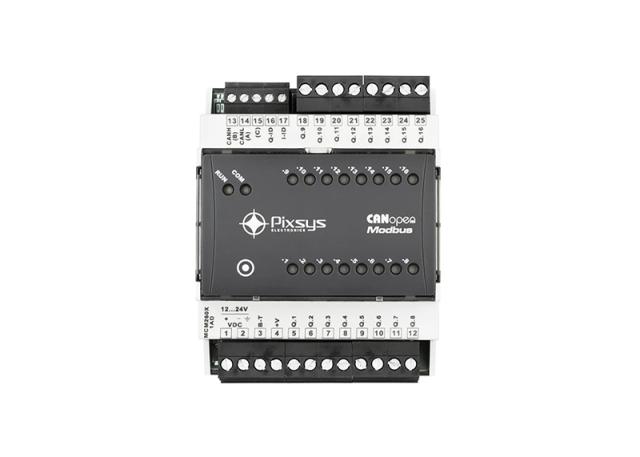
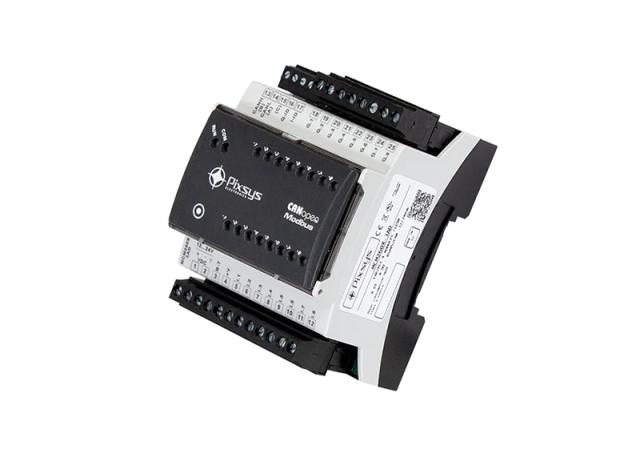
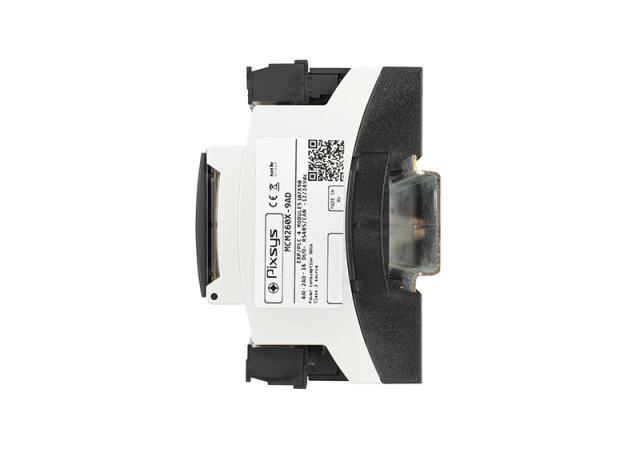
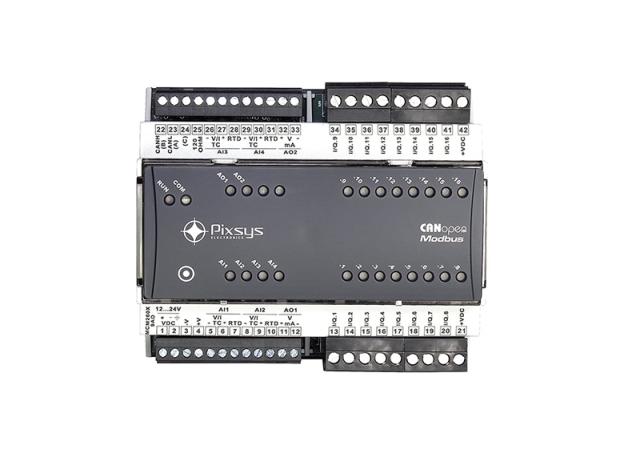
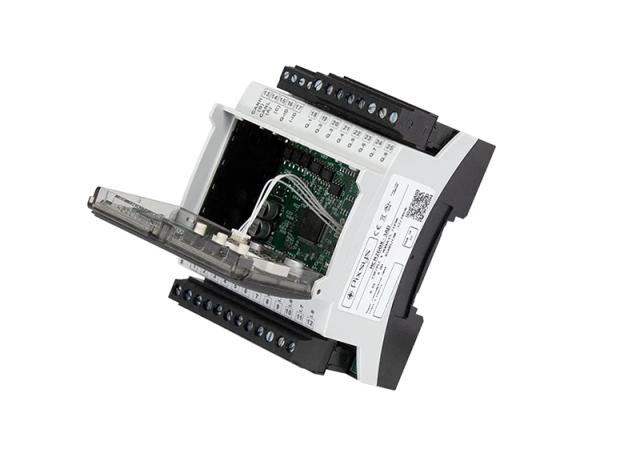
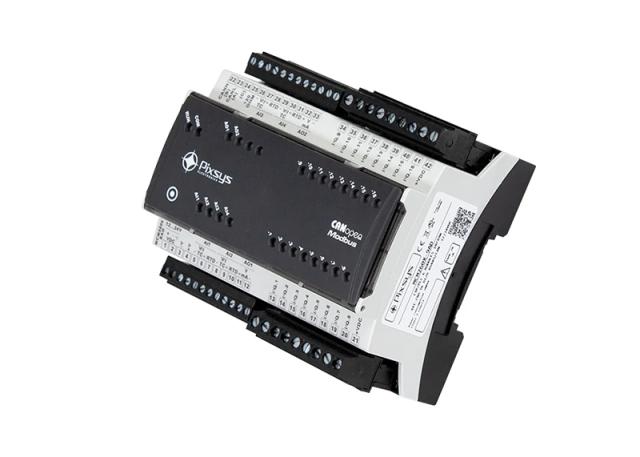
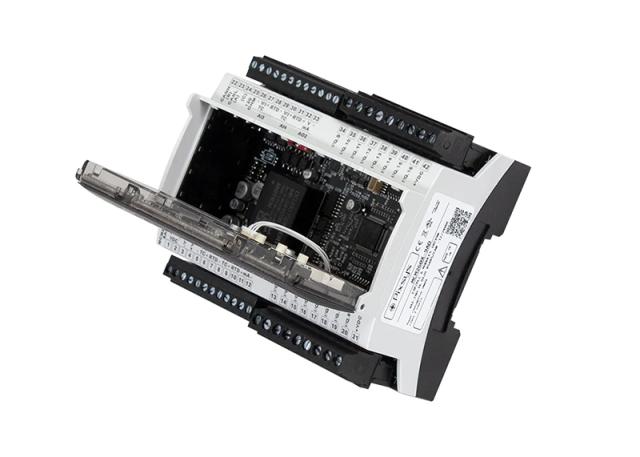
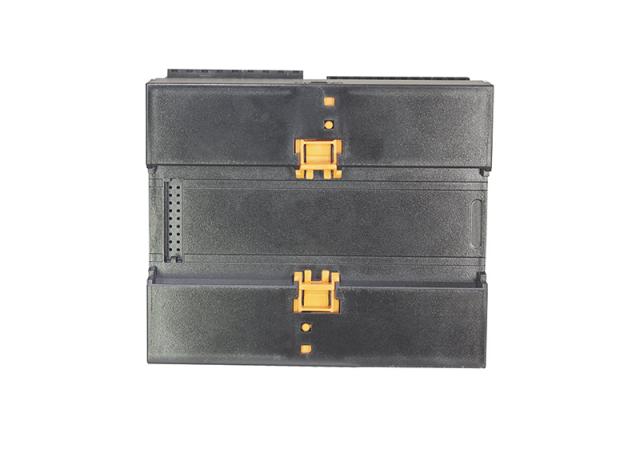
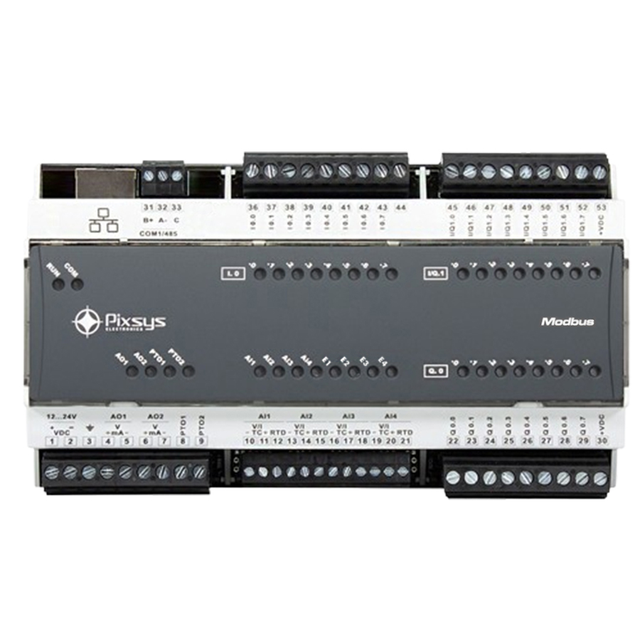
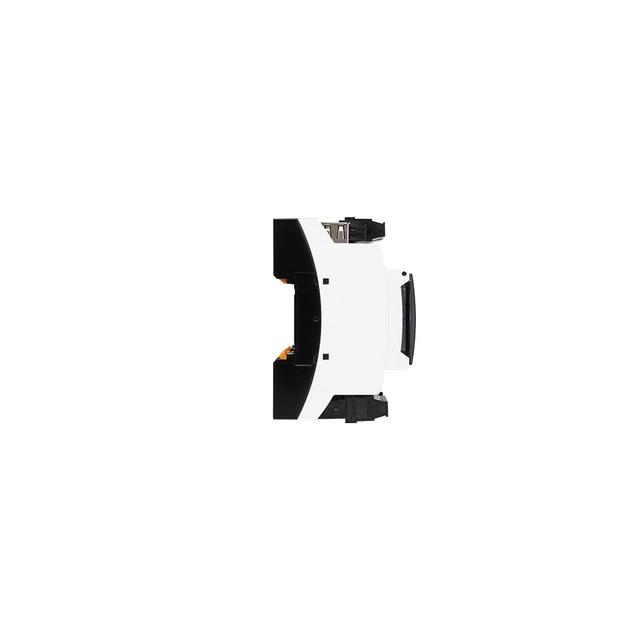
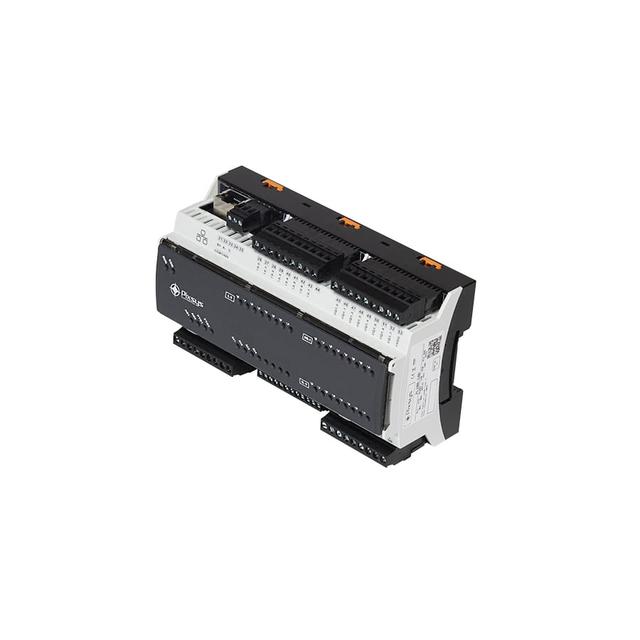
A remote I/O module puts digital and analogue inputs and outputs close to the machine or field devices, then sends them to the PLC or SCADA over a network, saving long cable back to the control panel. The Pixsys MCM280X uses Modbus TCP/IP Ethernet with an RS485 RTU bridge mode; the MCM260X uses CANopen and Modbus RTU.
2 Products · Remote I/O Module
Selection guide
Remote I/O Modules Guide
What a remote I/O module does
Running every field input and output back to a central PLC panel means long multicore cable runs, which cost more and are harder to fault-find as a plant grows. A remote I/O module sits near the machine or field devices instead, collects the local signals, and passes them to the PLC or SCADA over a single network cable using a standard protocol, so only the network link needs to reach the control room.
How to choose a remote I/O module
- Network: choose the MCM280X for a Modbus TCP/IP Ethernet network; it also works as a transparent Modbus TCP to RTU gateway through its RS485 port. Choose the MCM260X for a CANopen network with Modbus-RTU support instead.
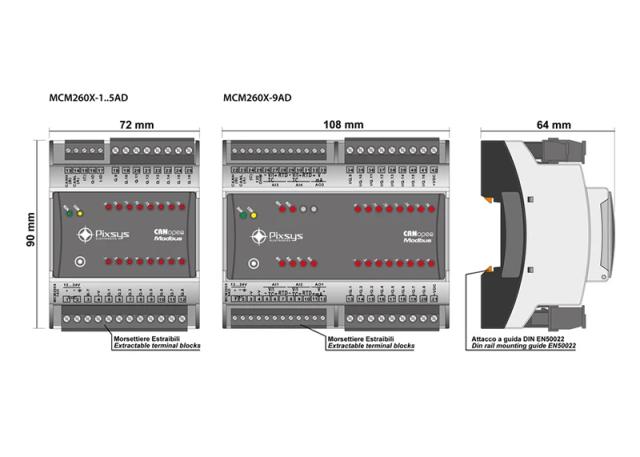
- I/O mix: the MCM260X is available in six combinations of analogue and digital I/O, with versions offering up to 16 PNP outputs or 8 relay outputs rated 5 A, 250 VAC.
- Third-party masters: both modules work with Pixsys PLCs and HMIs, and with third-party PLC or SCADA masters over standard Modbus.
- Retrofits: where new cabling to a remote machine section is costly, a remote I/O module usually costs less than trenching or tray runs for a full multicore cable.
Need to bridge an existing Modbus RTU device onto a different network instead of adding new field I/O? See protocol gateways.
FAQ
Common questions
Can a remote I/O module work with a non-Pixsys PLC?
Yes. Both the MCM260X and MCM280X communicate over standard Modbus TCP or Modbus RTU, so any PLC or SCADA system that supports Modbus can act as the master, not only Pixsys controllers. Confirm your PLC's Modbus driver supports the register map before ordering.
Can the MCM280X act as a protocol gateway as well as remote I/O?
Yes. Alongside its own analogue and digital I/O, the MCM280X includes a transparent Modbus TCP to RTU gateway through its RS485 port, so it can bridge an existing RS485 Modbus RTU device onto the Ethernet network at the same time as reading its own local I/O.
What relay output options does the MCM260X have?
Versions of the MCM260X offer up to 8 relay outputs rated 5 A at 250 VAC, or up to 16 PNP outputs, across six I/O combinations in total. Choose the combination that matches your mix of switching loads and low-voltage digital signals before ordering.
When does a remote I/O module make more sense than running cable back to the PLC?
When the field devices are far from the panel, such as a separate machine section or a retrofit on an existing line, where a new multicore cable run would be expensive or disruptive to install. A remote I/O module needs only a single network cable back to the PLC or switch, with the field wiring staying local.
What is the difference between the MCM260X and MCM280X remote I/O modules?
The MCM260X communicates over CANopen with Modbus-RTU support, across six analogue and digital I/O combinations. The MCM280X instead uses a Modbus TCP/IP Ethernet interface, with an RS485 RTU bridge mode for legacy serial devices. Choose by the network already on your PLC: CANopen or Ethernet.
Need help?
Can't find what you need?
Our team helps you select the right remote i/o module products for your application. Request a quote or discuss your requirements.
Expert product guidance
Tailored selection of remote i/o module instruments
Custom solutions
Instruments customized for your specific industrial setup
Trusted global brands
Full warranty and official documentation support