Category
Modbus & PROFINET Protocol Gateways
Connect Modbus RTU devices to Modbus TCP and PROFINET networks with Pixsys CNV520 gateways.
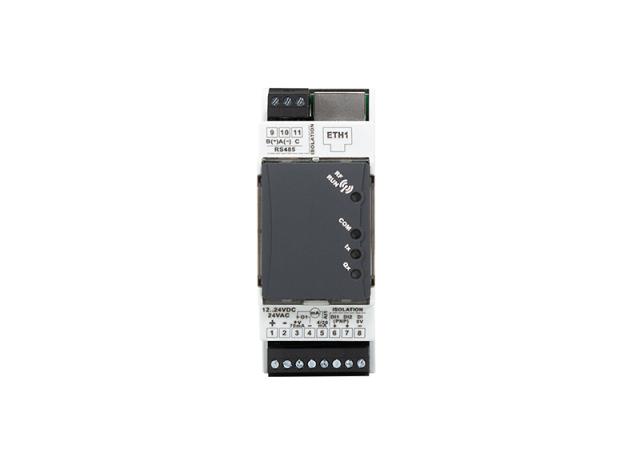
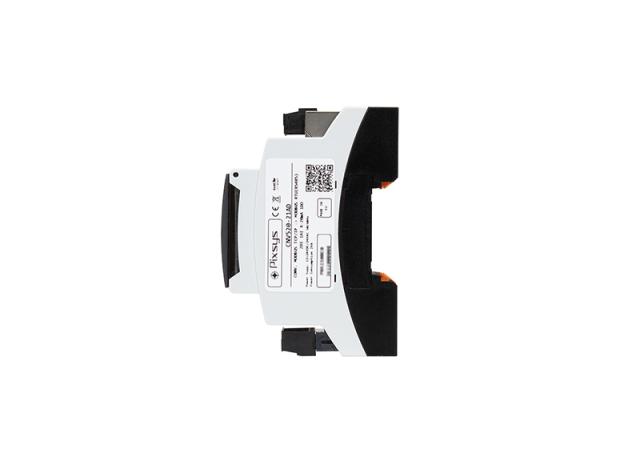
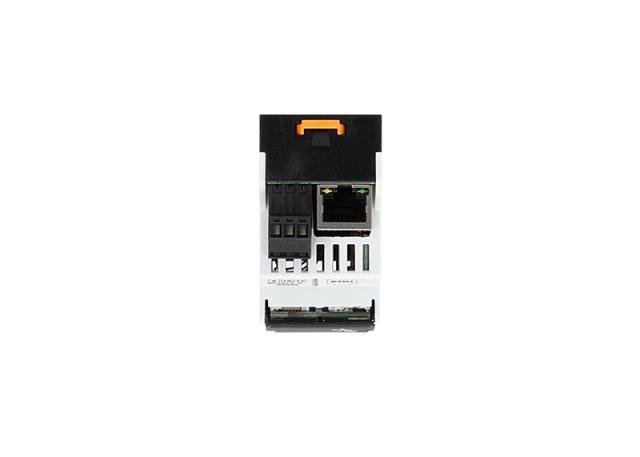
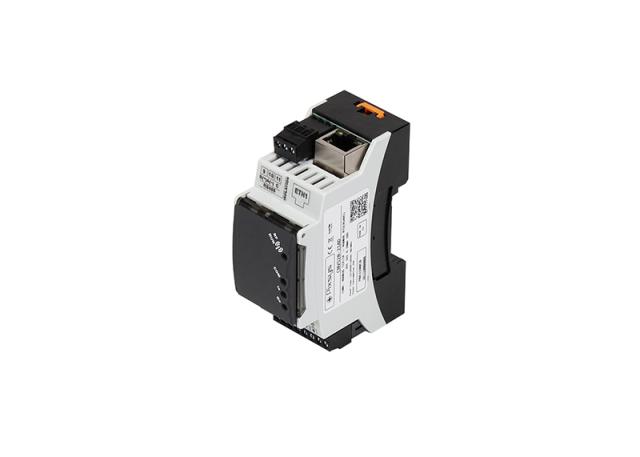
A protocol gateway connects Modbus RTU devices on RS485, such as meters, drives and older controllers, to a modern Ethernet-based network without replacing them. The Pixsys CNV520 comes in two versions: Modbus TCP to Modbus RTU, and PROFINET to Modbus RTU, both compact DIN-rail units powered by 12 to 24 VDC or 24 VAC.
2 Products · Industrial Protocol Gateway
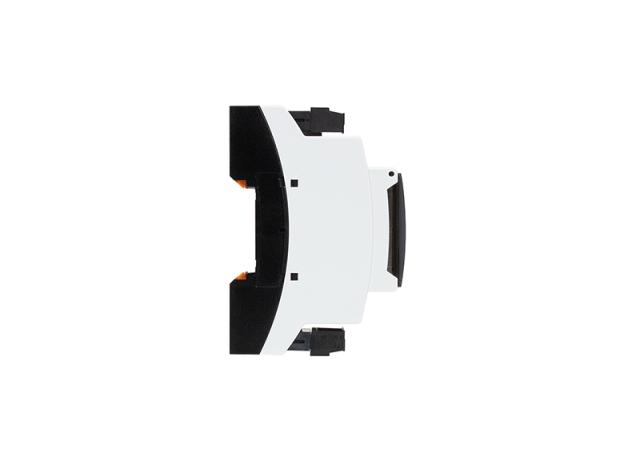
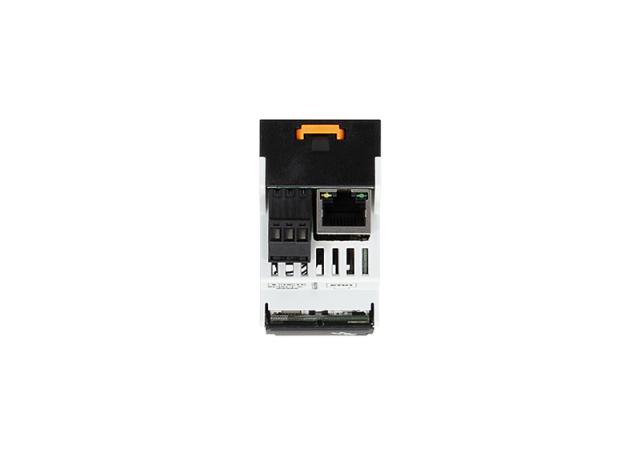
Selection guide
Modbus & PROFINET Protocol Gateways Guide
How a protocol gateway works
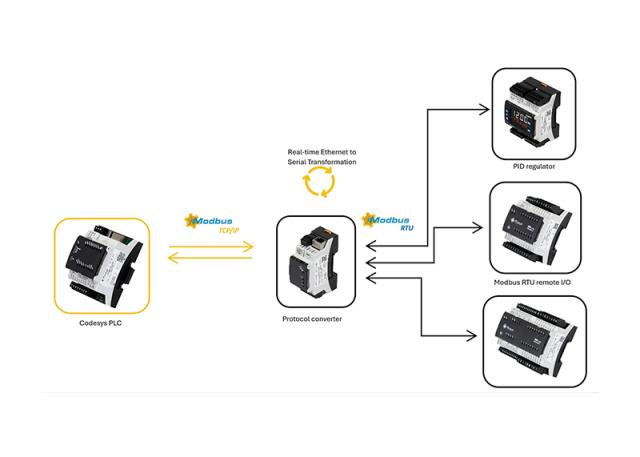
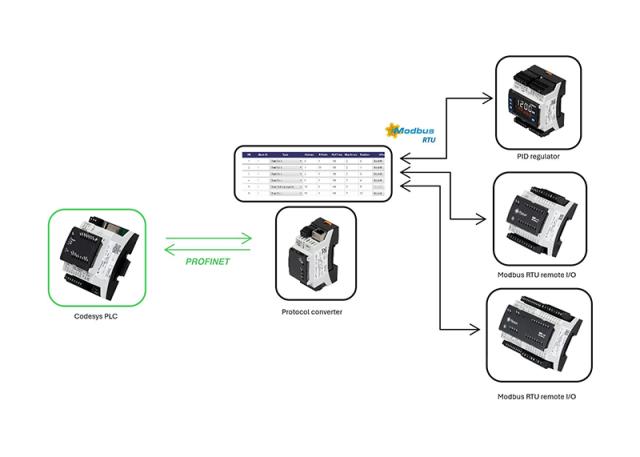
Field devices such as energy meters, drives and older controllers often speak Modbus RTU over an RS485 serial line, one device to the next in a daisy chain. A protocol gateway sits between that RS485 line and the plant Ethernet network, translating every read and write request between the two protocols in real time, so the Modbus RTU device appears on the network as if it were a native Modbus TCP or PROFINET node.
How to choose a protocol converter
- Target network: choose the Modbus TCP/Modbus RTU version to bring RS485 devices onto a standard Ethernet Modbus TCP network. Choose the PROFINET/Modbus RTU version to connect them to a Siemens or other PROFINET PLC instead.
- Number of masters: the Modbus TCP version supports 4 to 6 simultaneous Ethernet clients reading the same RS485 devices. The PROFINET version is single-client: one PROFINET master to up to 128 RTU slaves.
- Device count: both versions support up to 128 Modbus RTU nodes on the RS485 side.
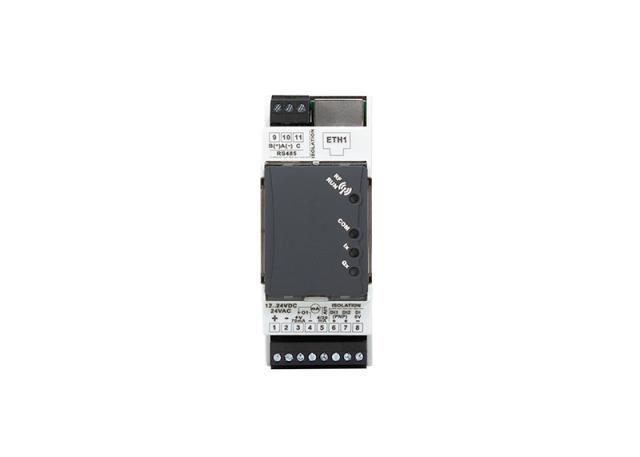
- Extra I/O: both add a 4 to 20 mA analogue input, two PNP digital inputs and a PNP digital output, so the gateway itself can pick up a local reading or a status signal alongside the bridged devices.
- Configuration: set up either version through its built-in web server or the MyPixsys Lab software, without separate configuration hardware.
Adding new field I/O rather than bridging existing Modbus devices? See remote I/O modules.
FAQ
Common questions
What is the difference between Modbus TCP and Modbus RTU?
Modbus RTU runs over a serial RS485 line, with devices daisy-chained and one master at a time. Modbus TCP runs the same request and response structure over Ethernet, so several masters can read the network at once and devices don't need a shared serial bus. A protocol gateway translates between the two so older RTU devices can join a TCP network.
How many Modbus RTU devices can one gateway connect?
Up to 128 Modbus RTU slaves on the RS485 side, on both the Modbus TCP/RTU and PROFINET/RTU versions of the Pixsys CNV520. On the Ethernet side, the Modbus TCP version supports 4 to 6 simultaneous client connections reading those same 128 devices.
Can several SCADA systems read the same Modbus devices at once?
Yes, with the Modbus TCP/Modbus RTU version of the CNV520, which supports 4 to 6 masters connecting over Ethernet to the same set of RS485 slaves. The PROFINET/Modbus RTU version is single-client, built for one PROFINET controller rather than multiple simultaneous masters.
Does the protocol gateway work with a Siemens PROFINET PLC?
Yes, using the CNV520 PROFINET to Modbus RTU version. It presents the RS485 Modbus RTU devices to the PROFINET controller as network nodes, with one PROFINET master supported and up to 128 RTU slaves behind it. For Ethernet Modbus TCP networks instead, use the Modbus TCP/RTU version.
How is a Pixsys CNV520 protocol gateway configured?
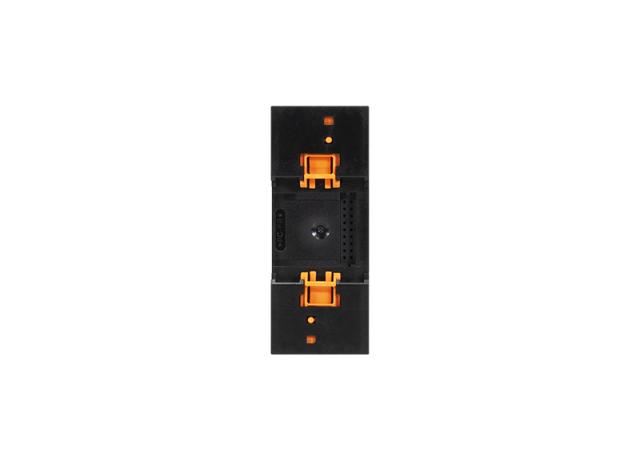
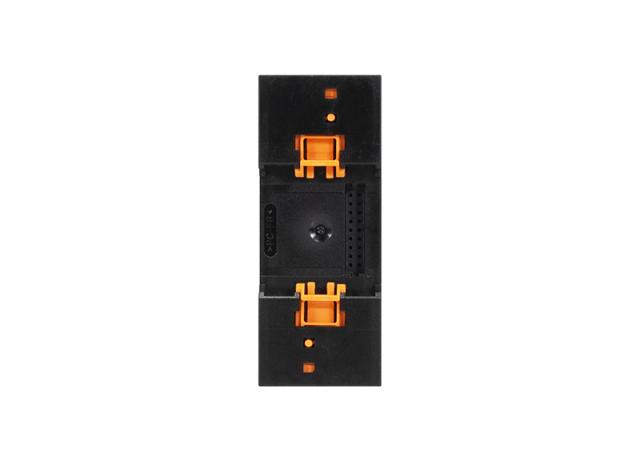
Through its built-in web server, reached over Ethernet with a browser, or with the MyPixsys Lab software. Neither version needs separate configuration hardware or a serial programming cable. Both are DIN-rail units, 2 modules wide, powered from 12 to 24 VDC or 24 VAC, so they fit directly into an existing control panel.
Need help?
Can't find what you need?
Our team helps you select the right industrial protocol gateway products for your application. Request a quote or discuss your requirements.
Expert product guidance
Tailored selection of industrial protocol gateway instruments
Custom solutions
Instruments customized for your specific industrial setup
Trusted global brands
Full warranty and official documentation support